Getting Google reviews for your auto repair shop comes down to three things: ask right after you hand back the car, send a direct link so the customer doesn’t have to search for you, and reply to whatever they post. No discounts in exchange, no asking for five stars, no pressure.
The car’s ready. You explained the repair, the customer left happy… and the review never came, because nobody asked.
Here’s the full method: what to say in each situation, how to get your review link and what to do when a bad review shows up. It’s one of the key pieces to get more customers for your shop.
Why reviews decide whether they choose you
What’s at stake: 97% of consumers read reviews for local businesses before deciding, and 41% always do, according to BrightLocal’s Local Consumer Review Survey 2026.
And a detail few people know: in an Ipsos analysis of more than 240,000 Google reviews of repair shops, 36% of reviews were about staff, while prices and payments barely reached 14%. People review how you treated them, not just what you charged.
Step 1: get your Google review link
“Look us up on Google” puts all the work on the customer. Send them the direct path.
Your Google Business Profile generates a short link and a QR code that open the review window:
- Open your Google Business Profile.
- Find the option to ask for reviews (“Ask for reviews”).
- Copy the link or download the QR code.
- Test the link from another phone before sharing it.
- Save it with your message templates.
With that link you can ask for reviews by text, WhatsApp or in person, and print the QR code for the front desk, invoices or the pickup slip.
Don’t say “look us up on Google.” Send the link that opens the review in one tap.
Step 2: ask at the right moment
The best time is right when you hand back the car, or that same day, while the good experience is fresh. Days later, the customer has moved on.
An in-person invite can sound like this:
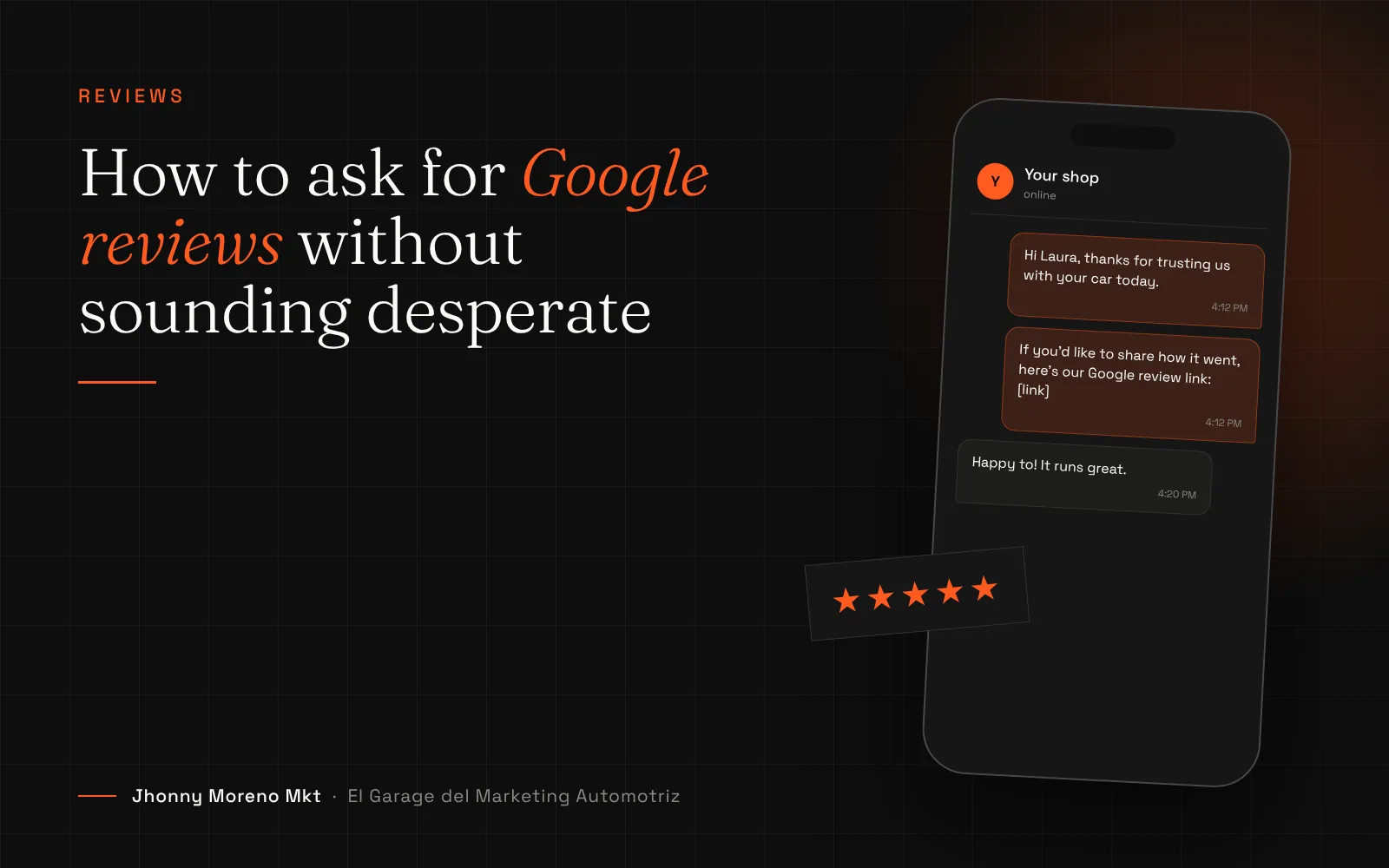
“Thanks for bringing your car in, [name]. If you’d like to share how it went, I can send you our Google link.”
Then let the customer decide. Don’t hand them a phone or wait while they type, and don’t ask for specific wording.
And one golden rule: don’t invite only the customers you know are happy. Selectively asking for positive reviews is against Google’s policies.
Step 3: what to say in each situation (templates to copy)
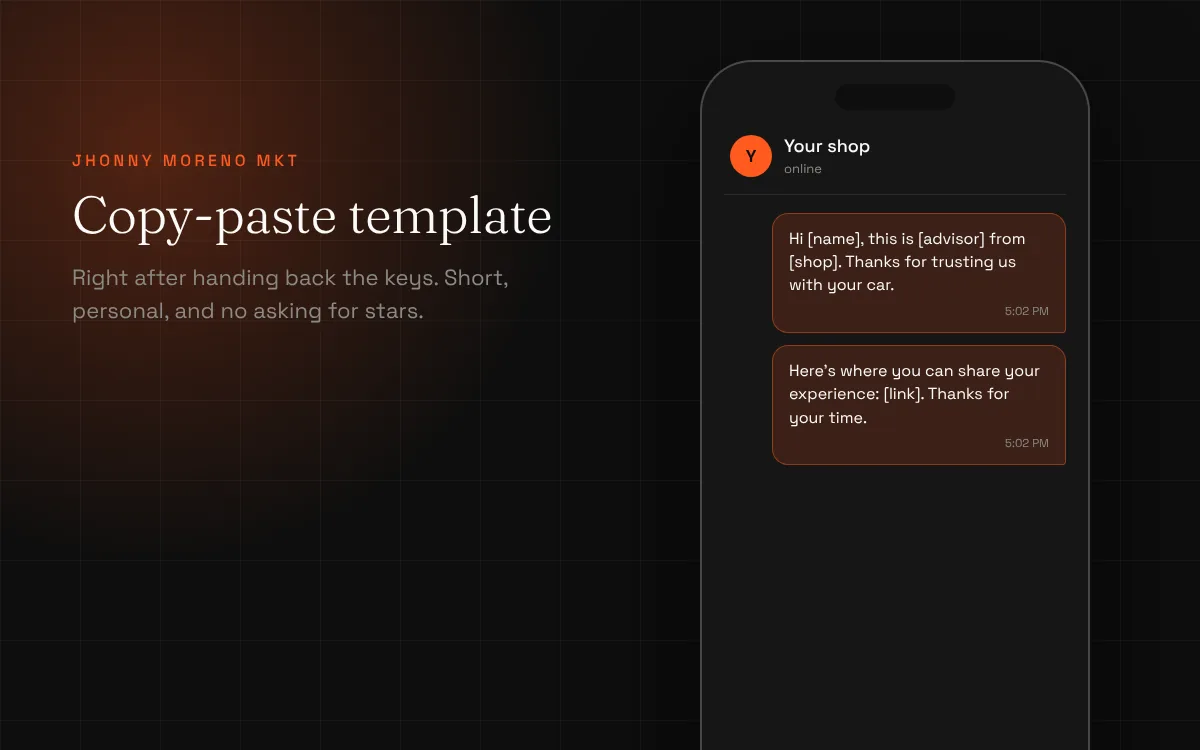
You just handed back the car
Hi [name], this is [advisor] from [shop]. Thanks for trusting us with your car.
Here’s where you can share your experience: [link].
Thanks for your time.
You’re following up by message
First, do the follow-up, no strings attached:
Hi [name], how’s the car running since the [service]? Any questions we can help with?
And as a natural close to that conversation:
Here’s our Google link too, in case you’d like to share your experience with our service: [link].
The customer thanks you by message
Thank you, [name]. Glad the explanation was clear. If you’d like to share your experience on Google, here’s the link: [link].
The customer doesn’t know what to write
Don’t write the review for them. Take the pressure off:
Just tell it in your own words: the service, how we explained the work, whatever matters to you. It doesn’t need to be long.
The customer has a complaint
This isn’t the time to ask for a review. It’s time to take care of them:
Thanks for letting us know, [name]. Tell me what happened so I can review it and explain the next step.
Never make a fix conditional on changing or deleting a review: Google prohibits offering incentives to change or remove negative reviews.
What never to do
| Avoid this | Do this |
|---|---|
| “I’ll give you a discount if you leave a review” | Invite without offering anything in return |
| “Give us five stars” | Ask them to share their experience |
| Only asking happy customers | Invite everyone equally |
| Asking friends who were never customers | Only ask for real experiences |
| “Delete the review and we’ll fix it” | Handle the complaint with no conditions |
Google prohibits incentives, fake reviews and filtering for positive ones. And consistency matters: 74% of consumers pay attention to reviews from the last three months, so one good month won’t carry your year.
How to reply to Google reviews
Replying counts too: 80% of consumers are more likely to use a business that responds to all its reviews, and half are put off by replies that sound templated. Personalize every one.
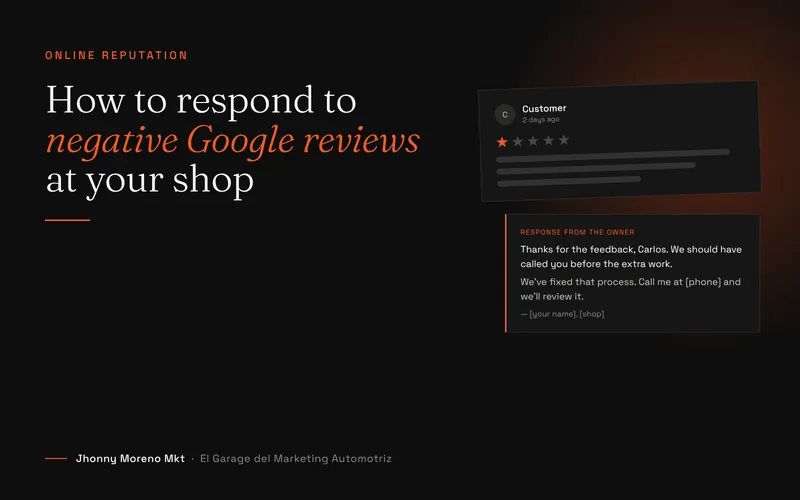
When a bad review comes in, reply calmly and publicly: thank them, name the specific problem without arguing and move the conversation offline.
Hi [name], we’re sorry about the experience you describe and want to look into it. Please contact [manager] at [phone] so we can go over the details with you.
Never post customer details or work-order information. Here’s the full guide with examples for responding to negative reviews. For positive reviews, thank them by mentioning what they said, without turning the reply into another sales pitch.
Turn the invite into a shop routine
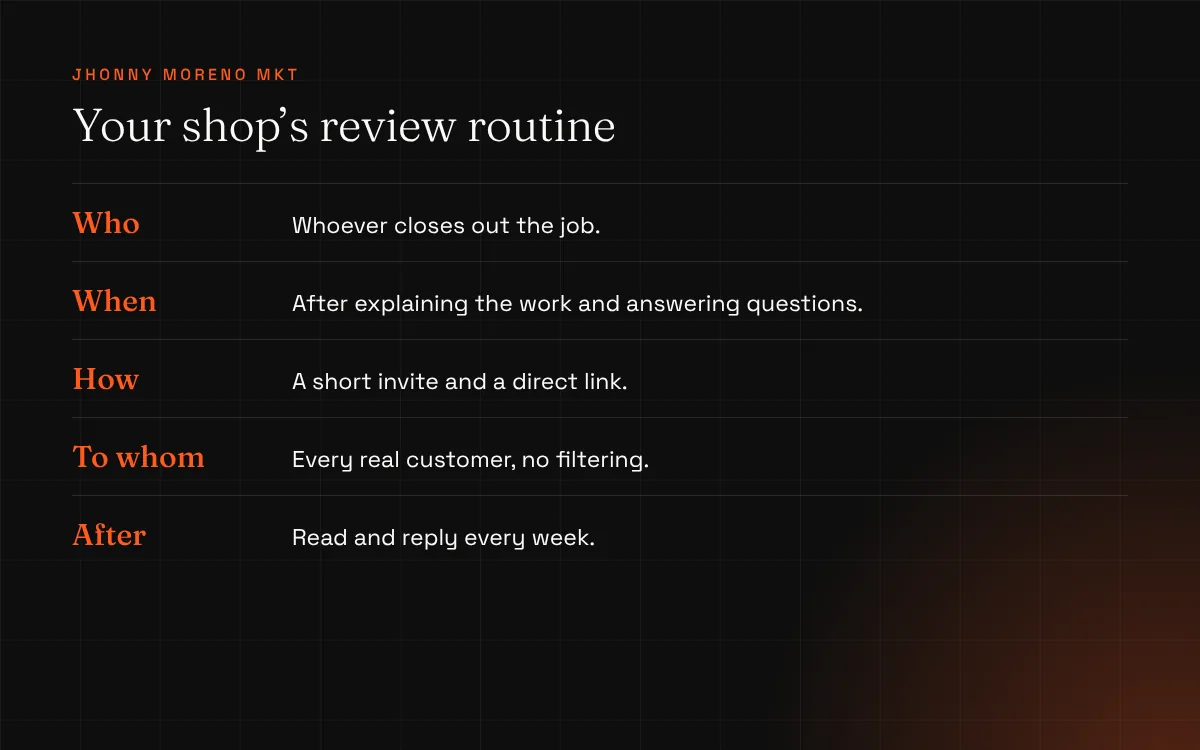
- Who: whoever closes out the job.
- When: after explaining the work and answering questions.
- How: a short invite and a direct link.
- To whom: every real customer, no filtering.
- After: read and reply to reviews every week.
Start today: get your link, save a template and use it on your next pickup. If you want those messages to go out on their own, see how to use WhatsApp Business at your shop.
Don’t chase stars. Give your customers room to tell their story.
Does your follow-up end when you hand back the keys?
In a 60-minute Pit Stop Digital we review your profile, reviews and messaging, and you leave with a 30-day action plan.
Frequently asked questions
How soon after the service should I ask for a review?
Ideally when you hand back the car or that same day. The experience is fresh and the customer remembers the details they want to share.
Can I offer a discount in exchange for a review?
No. Google prohibits offering incentives for reviews, and doing it can get reviews removed or cause problems with your Business Profile.
How many reviews does my shop need?
There’s no magic number. What matters is a steady flow: a few new reviews a month keep your profile active, and 74% of consumers pay attention to reviews from the last three months.
What do I do if a customer leaves a one-star review?
Reply within 24 to 48 hours, thank them, name the specific problem without arguing and offer a private channel (phone or email) to review the case. Never ask them to delete it in exchange for a fix.
Can I ask for reviews by text or WhatsApp?
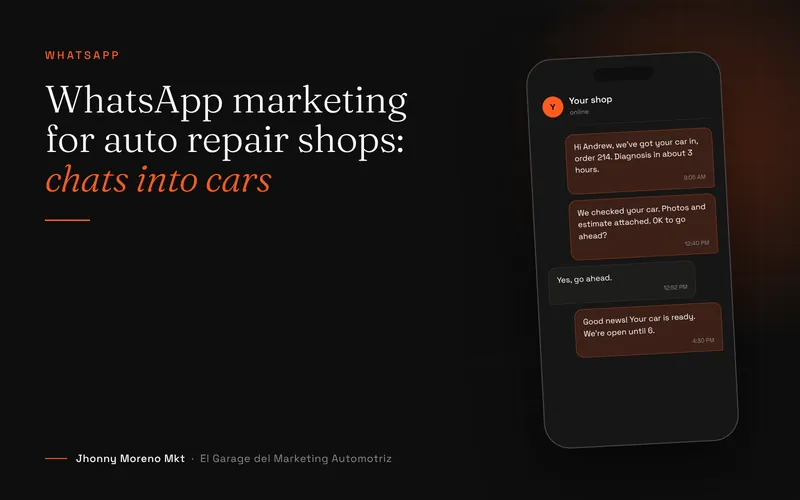
Yes. You can share your Google review link by text, WhatsApp, email or QR code. Keep the message short, personal and pressure-free.