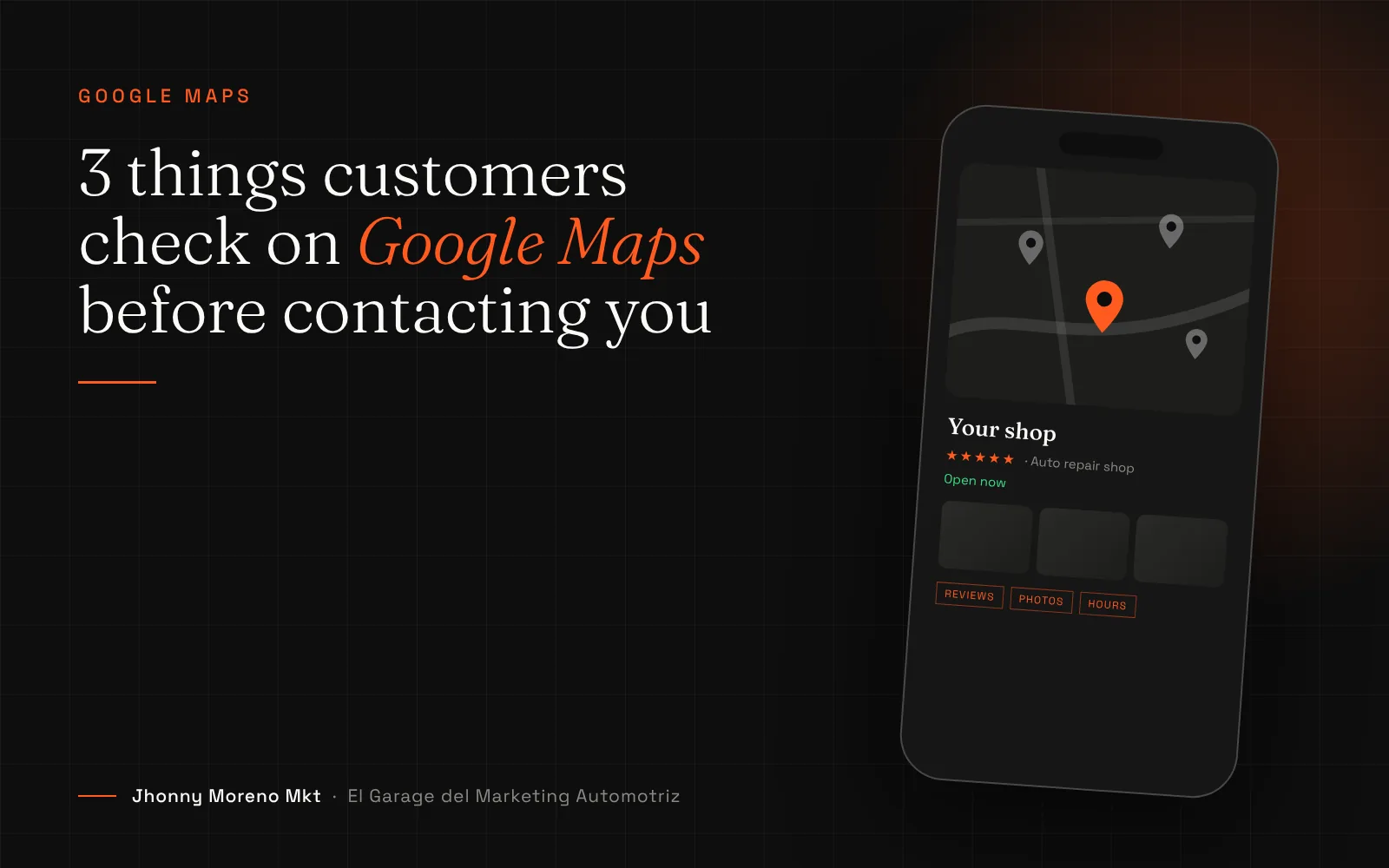
Before contacting a repair shop, customers check three things on Google Maps: your reviews (and how you reply), your real photos and your hours. If any of them fails, they don’t message you. They move on to the next pin on the map.
When someone searches “auto repair near me,” Google shows a map with a handful of featured listings, and in seconds that person decides who to call. That’s where a big share of a shop’s new customers is won or lost.
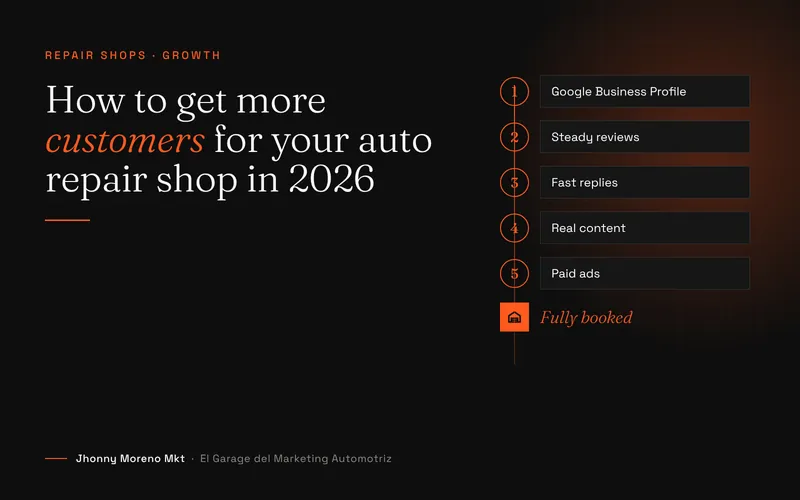
Let’s look at exactly what they check and how to improve each point. For the big picture, start with how to get more customers for your auto repair shop.
How Google decides which shops show up first
Before the three points, understand the game. According to Google’s own help center, local results are mainly ranked by:
- Relevance: how well your profile matches the search.
- Distance: how close you are to the person searching.
- Prominence: how well known your business is. Review count and rating play a part here.
You can’t control distance. You can control relevance and prominence, and you work on them with the three things customers check.
1. Your reviews and how you reply
It’s the first thing they look at. 97% of consumers read reviews for local businesses before deciding, according to BrightLocal’s Local Consumer Review Survey 2026. And they don’t just look at the rating: they notice three details most shops never manage.
- The rating. 68% of consumers only consider businesses with 4 stars or more, and 31% require 4.5 or higher.
- Recency. 74% pay attention to reviews from the last three months. If your latest reviews are a year old, customers assume something changed.
- Your replies. 80% are more likely to use a business that responds to all its reviews. A well-handled negative review says more about you than ten unanswered positive ones.
What to do:
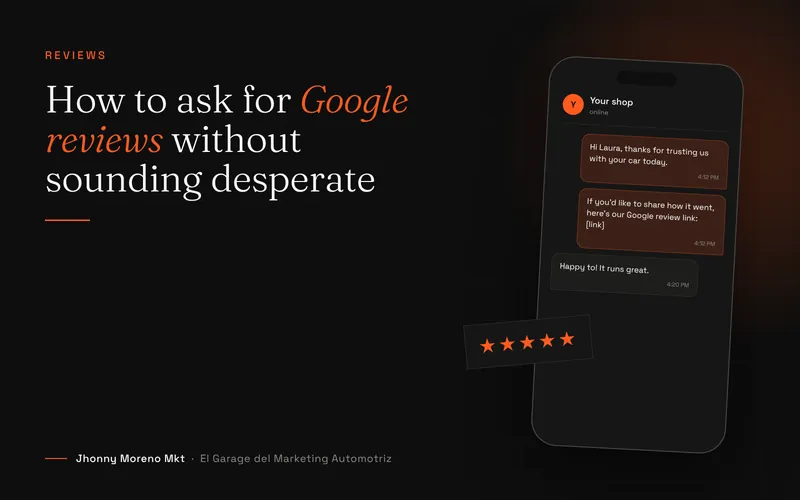
- Ask every real customer for a review when you hand back the car. Here’s how to ask without sounding desperate.
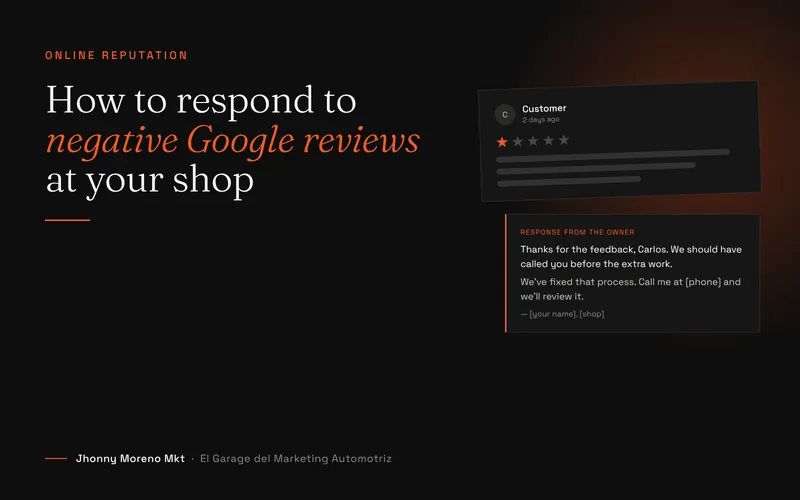
- Reply to all of them within 48 hours, thanking people for specifics and taking complaints offline. For the tough ones, use this guide to responding to negative reviews.
- Don’t buy reviews or only ask happy customers: Google’s policies prohibit it, and you can lose reviews or run into trouble with your profile.
2. Real photos, not stock images
Photos answer the question customers won’t ask out loud: “Can I trust this place?” A stock photo of a spotless shop convinces nobody. A real photo of your team at work does.
Your profile should have 10 to 15 photos taken with your phone:
- Your storefront, sign visible, in daylight. It’s the photo that helps people find you.
- The inside of the shop, clean and organized.
- Your team at work. Real people build trust.
- Finished cars and before-and-after jobs. That’s your portfolio.
And add new photos every month: customers can tell the business is alive.
3. Hours and “Open now”
Hours seem like a minor detail until you realize “Open now” is a real filter on Google Maps. A customer with a broken-down car filters for open shops and calls whoever’s left.
Two common mistakes:
- Outdated hours. If you close at noon and your profile says you’re open, the customer who drove over and found you closed leaves a one-star review.
- Holidays not set. Google lets you set special hours. Use it for every holiday in your area.
One extra most shops skip: fill in your services one by one, with descriptions. “Oil change,” “computer diagnostics,” “brakes,” “A/C repair.” Every listed service helps Google understand which searches to show you for.
Bonus: Google’s AI is already reading your profile
Google keeps adding AI features that answer questions about a business using the information in its profile and reviews: “Does this shop work on Toyotas?”, “Do they do diagnostics?”
That means your profile needs to be complete enough for the AI to have answers: listed services, exact hours, real photos and reviews that mention what you do. An empty profile gives the AI nothing to work with.
Check your profile in 10 minutes
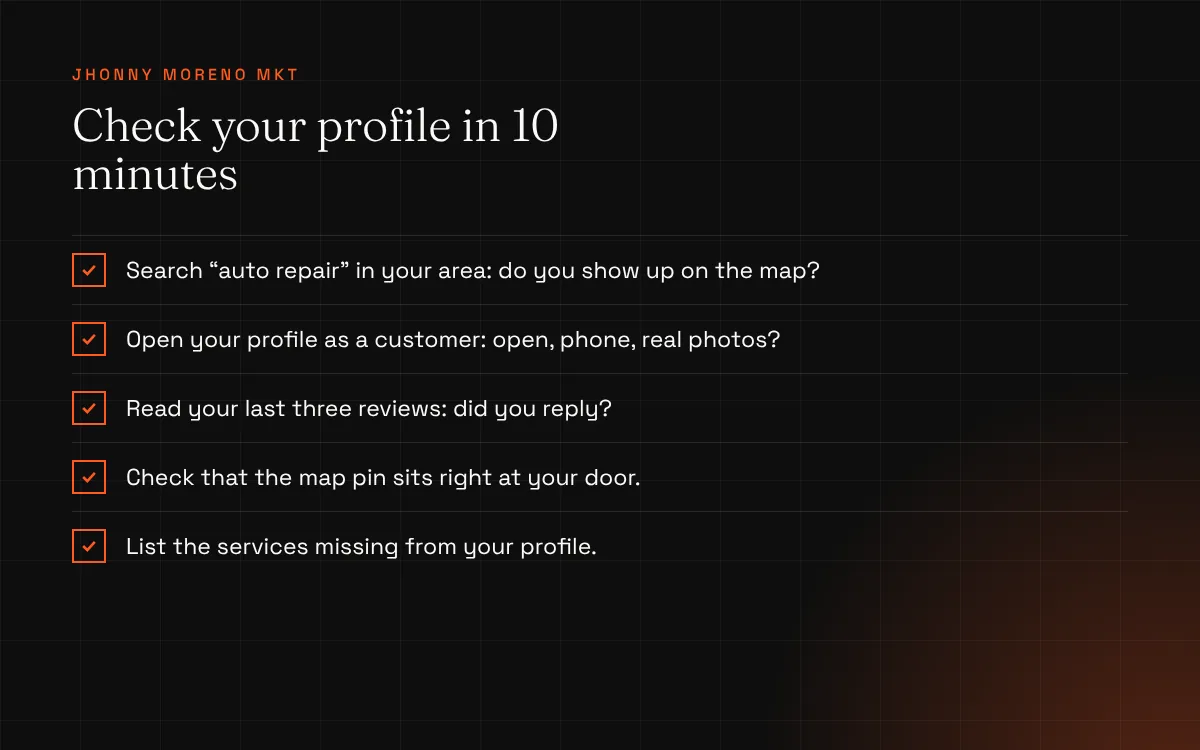
Do it today, on your own phone:
- Search “auto repair” in your area and see if you show up on the map.
- Open your profile as if you were a customer: does it show open, with a phone number and real photos?
- Read your last three reviews: did you reply?
- Check that the map pin sits exactly at your door.
- List the services missing from your profile.
If all three points are covered, your profile is already working like a salesperson on duty 24/7. If not, now you know where to start.
How many customers is your Google profile costing you?
Your Google Maps profile is your first salesperson. Let’s set up your Google profile, WhatsApp and social accounts to turn searches into cars.
Frequently asked questions
What’s the first thing customers look at on Google Maps?
Reviews: the average rating, how many there are, how recent they are and whether the shop replies. Then photos and hours.
How many Google reviews does my shop need?
There’s no exact number. Consistency matters most: a few new reviews a month, with replies, keep your profile alive. 74% of consumers pay attention to reviews from the last three months.
Why doesn’t my shop show up on Google Maps?
The most common causes: an unclaimed or unverified profile, the wrong category, missing info (phone, hours, services) or low activity. Google ranks local results by relevance, distance and prominence.
Can I use stock photos on my profile?
No. Customers spot them and lose trust. Upload your own photos of the shop, your team and finished jobs, taken with your phone.
Does it matter if I reply to positive reviews?
Yes. 80% of consumers are more likely to use a business that responds to all its reviews. Replying to good and bad ones shows there’s a real person on the other side.