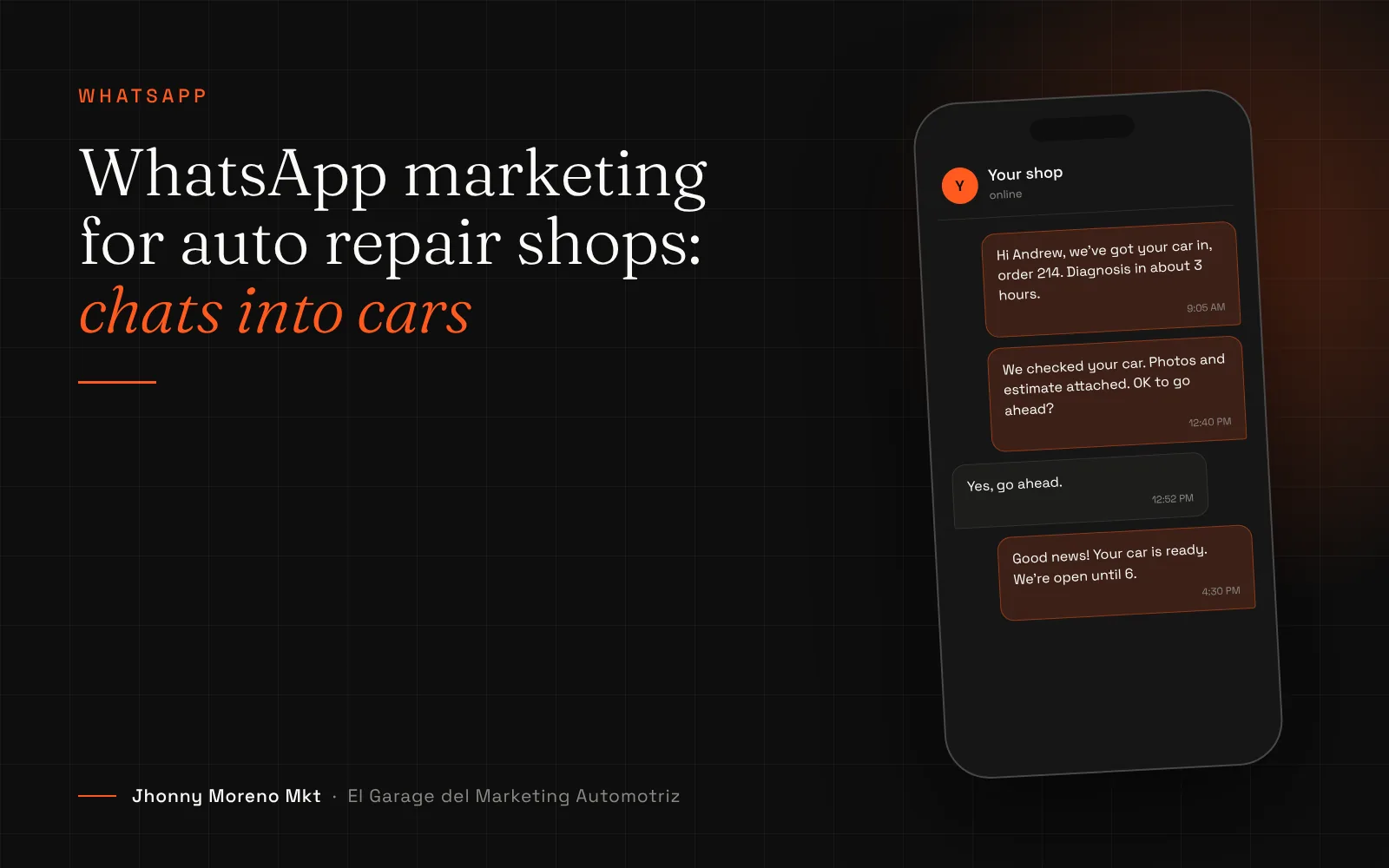
WhatsApp marketing for an auto repair shop works like this: a complete WhatsApp Business profile, quick replies for what you answer every day and a different message for each stage of the job: checking the car in, the diagnosis, the car-ready notice and the review request. No chain messages, no spam.
Many of your customers already live on WhatsApp, especially Spanish-speaking drivers and anyone outside the U.S. When their car breaks down, they don’t browse your website: they message whoever answers first. If that’s not you, it’s the competition. (Most of what follows works the same over regular text messaging.)
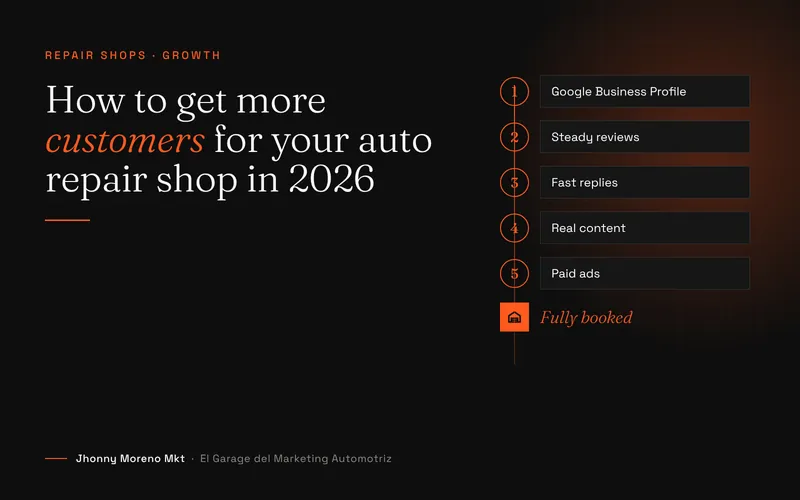
The advantage: almost no shop uses WhatsApp as a system. They use it as just another chat on the phone. It’s one of the five pieces to get more customers for your auto repair shop, and here’s the difference.
1. Switch from regular WhatsApp to WhatsApp Business
WhatsApp Business is free and takes minutes to set up. You can keep the number you already have. The minimum your profile needs:
- Shop name and category: choose the category closest to an auto repair shop.
- Description: what you do, for whom and where. Example: “General repair, brakes and diagnostics. Serving [area] since [year].”
- Address, hours and website, matching your Google profile.
- Catalog: each service with a photo and a ballpark price.
That alone makes you look like a business instead of a random number.
2. Set up the four features that do the work
- Greeting message: what first-time contacts receive. Example: “Thanks for messaging [shop]. We’re open Monday to Friday 8 to 6 and Saturday 8 to 2. Tell us what’s going on with your car and we’ll get back to you as soon as possible.”
- Quick replies: save “/” shortcuts for what you repeat: location, prices for common services, hours. Type “/price” and the full text appears.
- Labels: tag each chat by stage: “estimate sent,” “waiting on parts,” “ready for pickup.” Anyone on the team knows where each customer stands without asking you.
- Away message: for nights and Sundays, with your emergency number if you offer towing.
3. Messages for every stage (templates to copy)
The secret isn’t writing more. It’s sending the right message at the right time. These templates cover the whole job:
Checking the car in
Hi [name], we’ve got your [make/model] in, order [XXX]. We’re starting the inspection and I’ll send you the diagnosis in about [X hours].
Diagnosis and estimate
Hi [name], we’ve checked your car. The problem is [short description]. Photos and estimate attached: [details]. OK to go ahead?
A photo of the problem beats any explanation: the customer sees what you see, and that builds trust before you talk price.
Extra work found mid-job
[Name], once we took it apart we found [finding] as well. Two options: do it now for an extra [amount], or leave it for your next visit, though [consequence]. How would you like to proceed?
This message prevents one of the most common shop complaints: “they overcharged me.” Everything approved in writing, before the work.
The car is ready
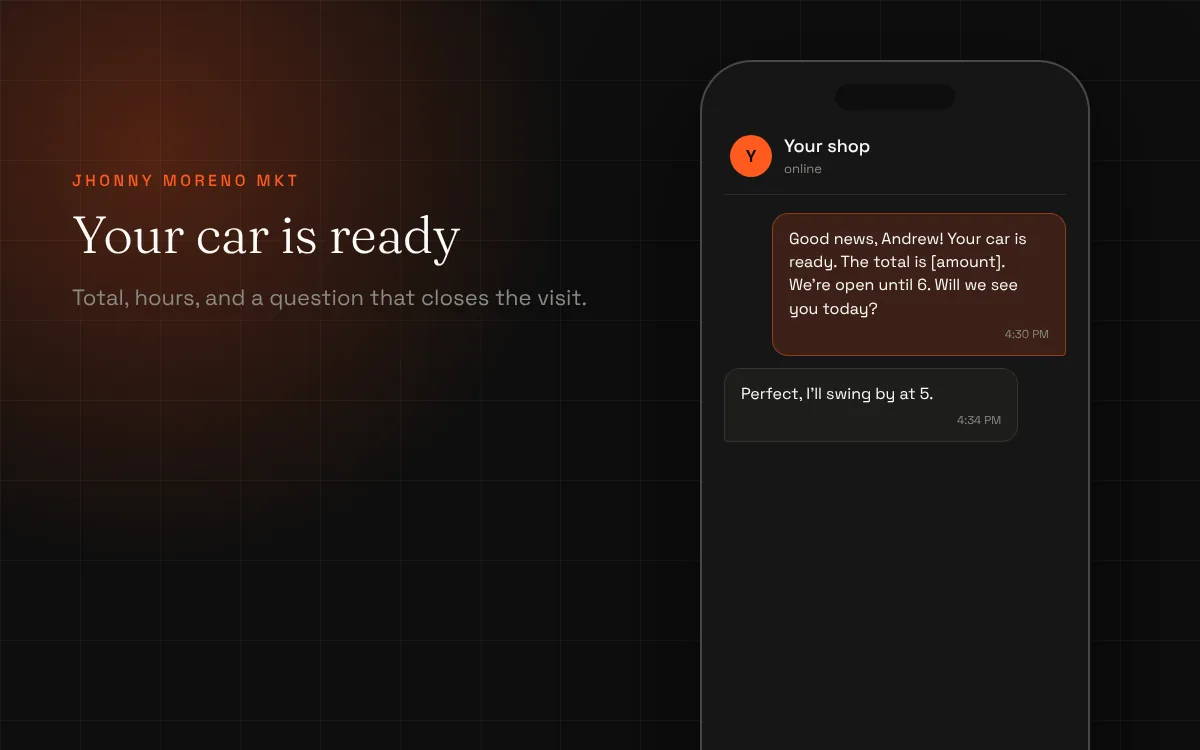
Good news, [name]! Your [model] is ready. The total is [amount]. We’re open until [time]. Will we see you today?
Follow-up and close
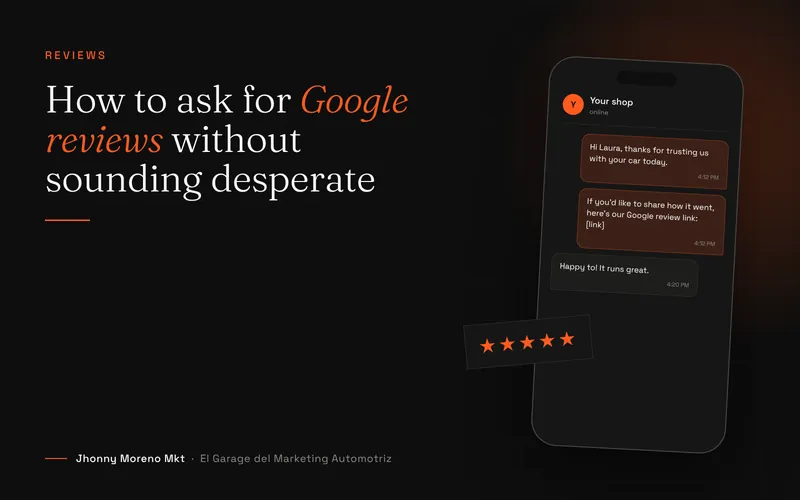
Thanks for trusting [shop], [name]. If you notice anything at all with the car, just message me. And if you’d like to share your experience, here’s our Google link: [link].
That last message is your review machine: the customer is happy, the channel is open and the link is one tap away. More on how to ask for reviews without sounding desperate.
Maintenance reminder
Hi [name], it’s been [X] months since your [model]’s last oil change. Want me to save you a spot this week? We have openings on [day] and [day].
It can be the most profitable message your shop sends: the customer forgets their maintenance and you get there first. Only send it to customers who messaged you before and agreed to receive reminders.
4. What not to do on WhatsApp
| Avoid this | Do this |
|---|---|
| Adding customers to groups or chain messages | Talk one-on-one, only with people who messaged you |
| Sending promos to numbers that never contacted you | Only message people who agreed to hear from you |
| Replying to an estimate request 3 hours later | Set response hours and stick to them |
| Using the mechanic’s personal number | One shop number, shown on your Google profile |
| Sloppy spelling | A clean message signals technical seriousness |
One important detail: automated messages to your whole customer list (reminders, notices) have to go through the WhatsApp Business API, with approved templates and the customer’s prior permission, under the WhatsApp Business messaging policy.
5. When to move to automation
The free app gets you so far: one or two service advisors and a message volume you can answer by hand.
The sign it’s time to scale is clear: messages pile up unanswered, your advisor loses the morning on the phone and estimates go out late. That’s where AI agents on WhatsApp come in: they book appointments, confirm the vehicle and service, and send a reminder the day before, while your team is under the car.
The right order: first organize your process with the free app and the templates. Then automate what already works. Never the other way around: automating a mess just produces a mess faster.
Your plan for this week
- Download WhatsApp Business and complete your profile today.
- Set up your greeting, away message and three quick replies.
- Save the templates for each stage of the job.
- Add the WhatsApp button to your Google profile and website.
- Label every new chat.
In a week, your shop handles customers as well at 10 p.m. as it does at 10 a.m.
How many customers message you while you’re under a car?
An AI agent on your WhatsApp replies, books and follows up while your team works.
Frequently asked questions
Is WhatsApp Business free for an auto repair shop?
Yes. The WhatsApp Business app is free and includes a business profile, catalog, quick replies, labels and away messages. That’s enough for most small shops.
Can I use my personal number on WhatsApp Business?
Yes, you can move your current number, but it’s better to have a dedicated shop number any advisor can handle, so it doesn’t depend on one person.
How do I ask for a review on WhatsApp?
When you hand back the car, with a short message thanking them and including your direct review link. No asking for stars, no offering anything in return.
Can I send bulk messages on WhatsApp?
Only to customers who gave you permission, using approved templates through the WhatsApp Business API. Chain messages and spam break the policies and can cost you your number.
Can an AI bot handle my shop’s WhatsApp?
Yes: it books appointments, answers common questions, gives status updates and sends maintenance reminders. It works best once your shop’s process is already organized with templates and labels.